
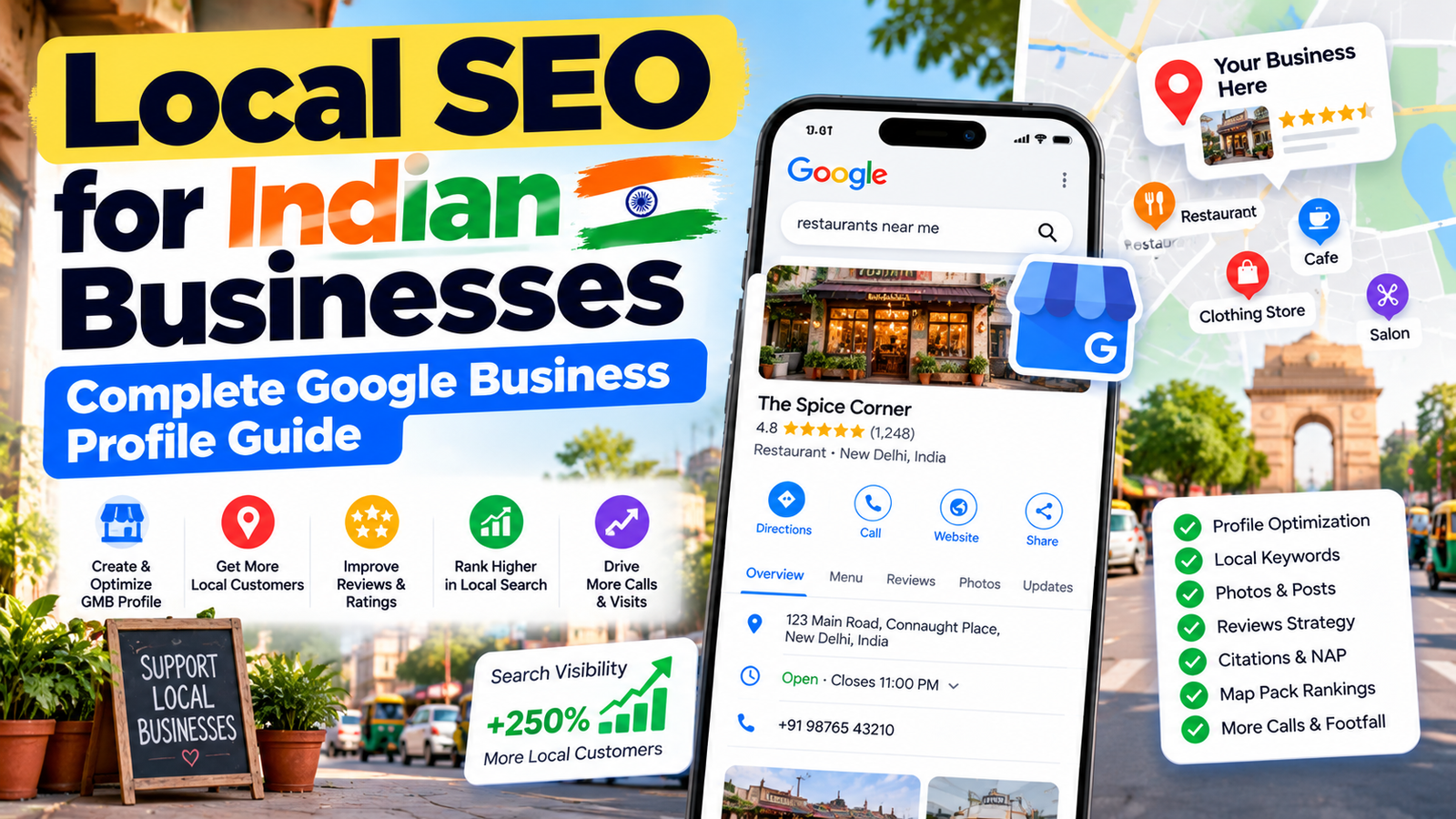
Local SEO for Indian businesses depends heavily on one free asset — your Google Business Profile (formerly called Google My Business, or GMB). A complete, verified, regularly updated profile, backed by genuine reviews and consistent business details across the web, is the single biggest lever for appearing in Google Maps and the local results shown for “near me” searches.
If you run a clinic, shop, salon, coaching centre, or any business that serves customers in a specific area, your Google Business Profile is often the first thing a potential customer sees — before they ever visit your website. In India, where most local searches happen on mobile, that first impression matters even more.
They’re the same thing. Google renamed Google My Business to Google Business Profile in 2021 and shifted management into Google Search and Maps directly. Many Indian business owners still say “GMB,” and plenty of people still search for it by the old name — but the product to set up and manage today is Google Business Profile.
Search behaviour in India is overwhelmingly mobile and increasingly local — people search for a nearby doctor, tailor, restaurant, or repair service while they’re already out and ready to act. These searches carry strong buying intent, which is why a business that shows up with accurate hours, a phone number, and good reviews tends to win the call or the visit over one that doesn’t appear at all.
Search language also varies. Many people type in a mix of English and Hindi, or in regional languages, so the words customers use for your service may differ from the formal terms you’d use yourself. That’s worth keeping in mind when writing your business description and services.
Search for your business name on Google Maps. If a listing already exists, claim it; if not, create one. Verification proves the business is real and located where you say it is, and unverified profiles are far less visible. Depending on your situation, Google may offer phone, email, video, or postcard verification — video verification is increasingly common, so keep your storefront, signage, and relevant business items ready to show on camera.
An incomplete profile is one of the most common reasons local businesses underperform. Make sure these are filled in accurately:
Photos of your storefront, interior, team, and actual work build trust quickly. Avoid stock images — customers can tell, and real photos give them a better sense of what to expect before they visit.
Reviews influence both ranking and whether someone chooses you over a competitor right next to you in the results. The sustainable approach is simple: ask happy customers right after a good experience, and share your direct review link over WhatsApp or SMS to make it effortless. Reply to every review — positive or negative — politely and specifically. Never buy or fake reviews; Google can remove them and penalise profiles that try.
Your business name, address, and phone number (often called NAP) should match everywhere they appear — your website, social profiles, and listings. In India, this includes platforms like Justdial, Sulekha, and IndiaMART where relevant to your industry. Inconsistent details create confusion for both customers and search engines.
Your Business Profile and website work together. Make sure your site has a clear contact page with the same details, a page for each key service or location you serve, and your area mentioned naturally in headings and content. Local SEO India efforts perform best when the profile and the website reinforce each other rather than operating separately.
Profiles that are updated tend to look more trustworthy to customers. Add new photos periodically, keep hours and services current, and use available profile updates and offers features to share what’s new. Treat it like a living storefront, not a one-time setup.
Local results often respond faster than national rankings, because the competition is limited to nearby businesses. Many businesses notice better profile visibility within weeks of fixing the basics, with continued gains as reviews and consistent activity build up. There’s no guaranteed timeline — competition level and how complete the competitors’ profiles are both play a role.
Yes. Creating and managing a Google Business Profile is free, and it's one of the most cost-effective ways to improve local visibility.
Google renamed it Google Business Profile in 2021. The profile is now managed directly through Google Search and Maps.
Complete every section accurately, choose the right primary category, collect genuine reviews regularly, keep your business details consistent across the web, and keep the profile active.
Yes, if you serve customers at their location. You can set a service area instead of displaying a physical address, subject to Google's guidelines.
Yes. Review quantity, quality, recency, and your responses all influence both how visible your profile is and whether customers choose you.

Grow Your Business with Result-Driven SEO & Digital Marketing Solutions. We Help Brands Increase Rankings, Traffic, and Quality Leads Organically.
| Monday | 9:30 AM - 6:30 PM |
| Tuesday | 9:30 AM - 6:30 PM |
| Wednesday | 9:30 AM - 6:30 PM |
| Thursday | 9:30 AM - 6:30 PM |
| Friday | 9:30 AM - 6:30 PM |
| Saturday | 9:30 AM - 6:30 PM |
| Sunday | Closed |
©Copyright @ 2026 RankPluto. | All Right Reserved
This will close in 0 seconds