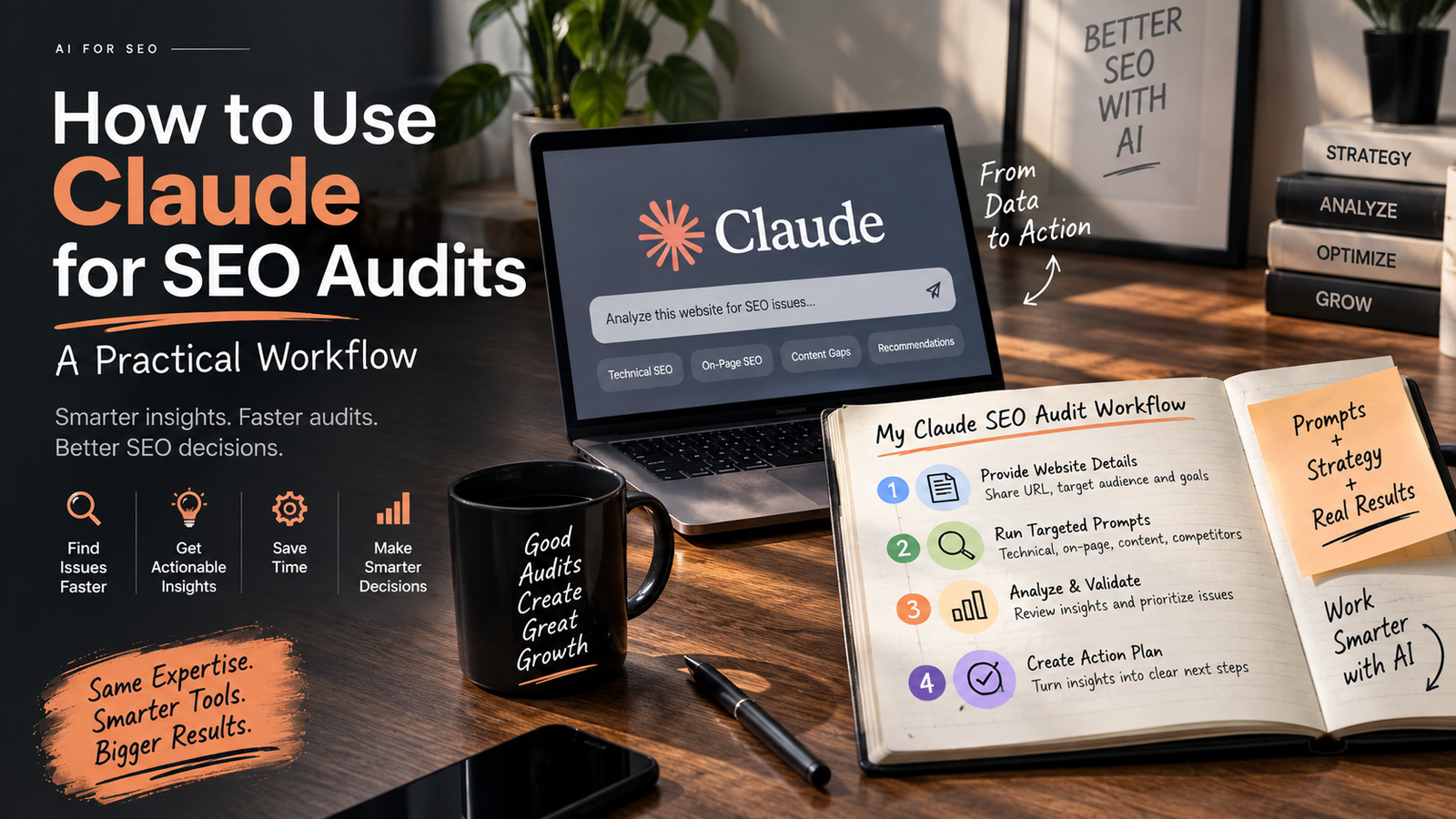
How to Use Claude for SEO Audits
Claude can speed up an SEO audit significantly — reading page content, spotting broken or duplicated text, drafting meta titles and descriptions, and flagging structural issues across dozens of pages faster than doing it manually. It can’t replace a full technical audit on its own, since it can’t crawl a live site, track rankings, or always confirm how a page visually renders — but as a first pass and a drafting assistant, it removes a lot of the manual grunt work.
If you’ve ever spent hours copy-pasting page content into a spreadsheet just to check for missing meta descriptions or duplicate text, this is exactly the kind of repetitive work Claude can take off your plate.
What Claude Can Actually Do in an SEO Audit
Understanding Claude AI SEO audit capabilities starts with knowing what it’s genuinely good at: reading and reasoning over text at scale. Given a page’s content, it can:
- Read and summarize a page’s content and structure — headings, meta tags, FAQ sections, and body copy.
- Spot content-level issues — duplicate paragraphs, broken sentences, copy-pasted sections that don’t match the page they’re on, and placeholder text left over from a template.
- Draft meta titles and descriptions — matched to a target keyword, within character limits, and checked against other pages so nothing gets duplicated.
- Rewrite awkward or unclear copy — turning a confusing sentence into something clear, without losing the original meaning.
- Flag missing structure — pages without FAQ sections, missing alt text, or thin content that doesn’t fully answer the topic it’s targeting.
What Claude Can't Do (and Why That Matters)
Being honest about the limits matters just as much as knowing the strengths. Claude can’t:
- See a page exactly as a visitor does, unless given a screenshot — reading a page’s underlying content isn’t the same as viewing its actual design, spacing, or mobile layout.
- Crawl an entire website automatically — each page generally needs to be reviewed individually, rather than the tool scanning a whole domain on its own.
- Pull live ranking or traffic data — it can help interpret data you provide (like a Search Console screenshot), but it doesn’t have its own real-time access to your analytics.
- Confirm whether a fix has actually gone live — it can check a page again after you’ve made a change, but it relies on the live version being accessible, not on knowing what happened inside your CMS.
Using AI for website audits works best when these limits are treated as a reason to pair it with a human review — not as a reason to avoid it altogether.
A Practical Workflow for an AI-Assisted SEO Review
- Start with one page at a time. Share the URL and ask for a full content and meta tag review. This keeps the output focused and easy to act on, rather than a vague, generic list.
- Ask for specific comparisons. If checking meta tags across multiple pages, ask that none repeat the same phrasing — this catches duplicate titles and descriptions that hurt SEO.
- Request exact replacement text, not just a description of the problem. Instead of “this sentence is awkward,” ask for the exact current text and a suggested rewrite, so changes can be copy-pasted directly.
- Verify fixes after publishing. Once a change is live, ask for the page to be checked again — this catches cases where an edit didn’t actually save or publish correctly.
- Use it for first-draft content, not final copy. Claude can draft blog posts, FAQ answers, and meta descriptions quickly, but a final human read-through catches tone and brand-fit issues an AI might miss.
Where This Saves the Most Time
The biggest time savings tend to show up in two places: auditing large sites with many similar pages (where manually checking each one for duplicate content or missing FAQs is slow and easy to overlook), and drafting first versions of content — meta tags, FAQ answers, or blog outlines — that a human then reviews and refines rather than writing entirely from scratch.
Where a Human Still Needs to Be in the Loop
Strategic decisions — which keywords actually matter for a specific business, how aggressive a content calendar should be, or how to prioritize fixes against a limited budget — still benefit from human judgment and market context an AI tool doesn’t have on its own. The most effective use of Claude for content audits treats it as a fast, thorough first pass, with a person making the final calls on priority and strategy.
Want a full SEO audit — AI-assisted and human-reviewed? [Get a free audit from RankPluto →]