How Many Internal Links Per Page for SEO?
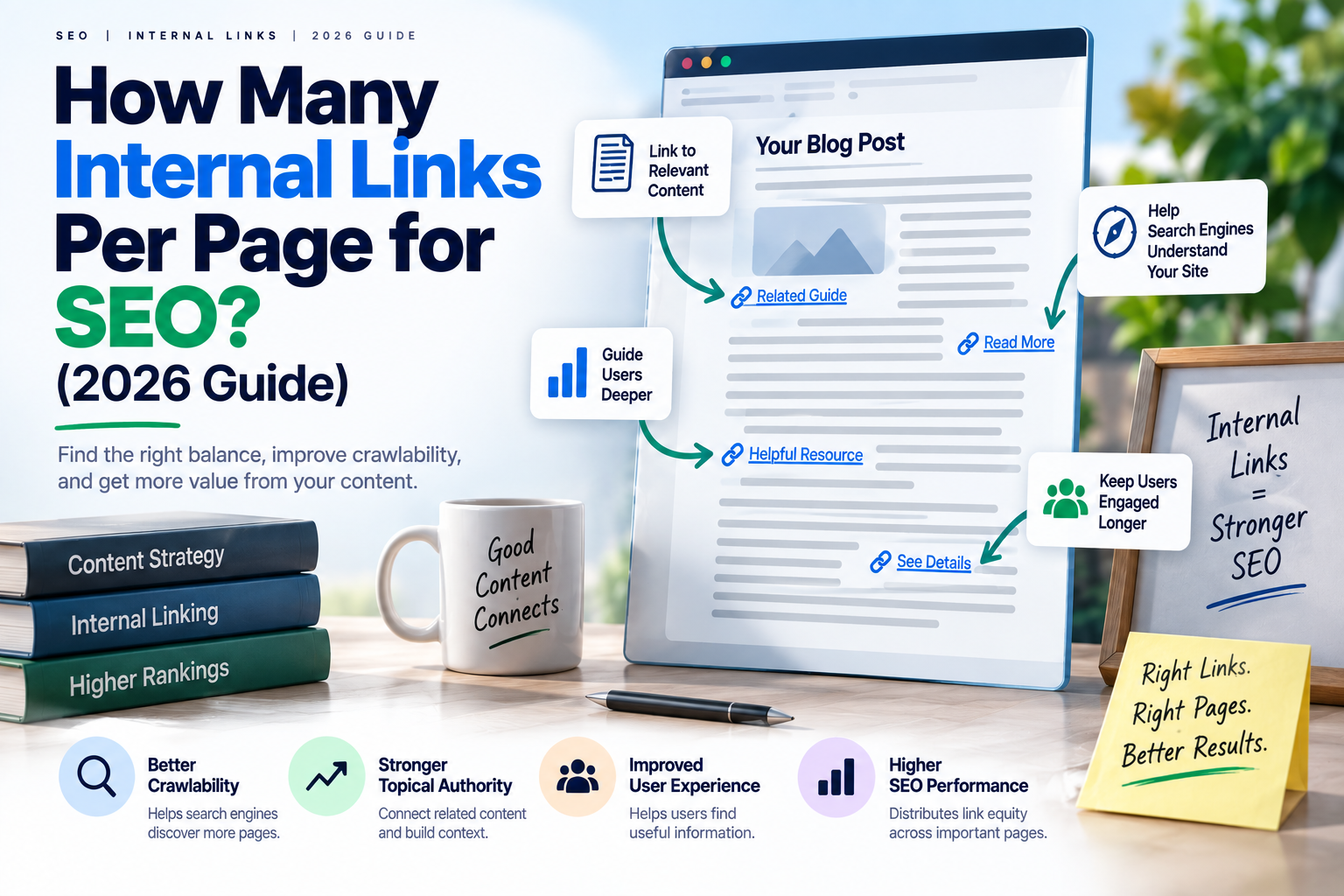
Most well-structured pages use somewhere between 3 and 10 internal links, depending on page length and how many genuinely relevant pages exist to link to. There’s no fixed number required for SEO — what matters more is that every internal link is relevant and helps a reader (or a search engine) get to a related, useful page, not that you hit a specific count.
If you’ve been told to add exactly 5 internal links to every page no matter what, that advice misses the actual point of internal linking — which is guiding both readers and search engines through your site in a way that makes sense, not filling a quota.
Why Internal Linking Matters for SEO
Internal links do two jobs at once. For readers, they offer a natural next step — a related article, a relevant service page, a deeper explanation of something just mentioned. For search engines, internal links are one of the main ways they discover new pages and understand which pages on a site are most important, since pages that receive more internal links tend to be treated as more central to a site’s structure.
A site with little or no internal linking makes both of these jobs harder. Readers hit a dead end and leave. Search engines struggle to find and prioritize your content, especially on larger sites.
A Practical Guideline, Not a Fixed Rule
Rather than aiming for an exact count, it helps to think about internal linking in proportion to content length and structure:
- Short pages (under 800 words) — 2 to 4 relevant internal links is usually enough. Forcing in more often means linking to pages that aren’t genuinely related.
- Medium-length articles (800–1,500 words) — 4 to 7 internal links tends to feel natural, especially if the article covers several subtopics that each connect to a dedicated page.
- Long-form guides (1,500+ words) — 7 to 10 or more internal links can make sense, since there’s simply more content and more natural opportunities to reference related pages.
These aren’t hard limits — they’re a reflection of how many internal linking best practices tend to play out naturally when you’re linking because it’s genuinely useful, not because you’re trying to hit a number.
What Happens When You Use Too Many Internal Links
Too many internal links per post creates two problems. First, it dilutes the value each link carries — if a page links to 40 other pages, search engines have a harder time understanding which of those links actually matter most. Second, it hurts the reader’s experience: a page riddled with links in every sentence feels cluttered and can distract from the actual content, sometimes to the point where readers leave before finishing.
A useful check: if you’re linking a word or phrase just because it happens to relate to another page, rather than because a reader genuinely benefits from that link at that moment, it’s likely one too many.
What Happens When You Use Too Few
The opposite problem is more common than people expect, especially on business websites. A service page might exist for years without a single blog post linking to it, simply because no one thought to add the connection. This is a missed opportunity twice over — for readers who might want to learn more, and for that service page’s ability to be discovered and ranked, since it’s relying entirely on external links or direct navigation to gain authority.
Where to Place Internal Links for the Best Effect
Placement matters almost as much as count. Internal links embedded naturally within the body content — where the topic is actually being discussed — tend to carry more relevance signal than links crammed into a footer or sidebar. A link inside a sentence that says “if you’re also wondering how long SEO takes to show results, we cover that here” does more work than the same link sitting in a generic “related posts” widget at the bottom of the page.
A Simple Internal Linking Checklist
Before publishing a new page, it’s worth checking:
- Does this page link out to at least a few genuinely related pages?
- Do any existing pages need to be updated to link into this new page?
- Is each link placed where it’s actually relevant to what’s being discussed, not just inserted for the sake of it?
- Does the anchor text describe what the linked page is actually about, rather than a generic “click here”?
This kind of internal link structure tends to build naturally once it becomes a normal step in the publishing process, rather than something added as an afterthought.
FREQUENTLY ASKED QUESTIONS
Google hasn't published an exact number. The general guidance is to link where it's genuinely useful to the reader — in practice, this usually lands somewhere between 3 and 10 links depending on page length.
Yes. Excessive internal linking dilutes the relevance signal of each link and can make content harder to read, which may reduce how long readers stay on the page.
They serve different purposes. Backlinks build overall domain authority from external sources, while internal links help distribute that authority across your own site and help search engines discover and understand your page structure.
Where it's genuinely relevant, yes. A well-placed link from a blog post to a related service page can help both readers and search engines connect informational content to commercial pages.
There's no strict number, but if internal links appear multiple times per paragraph or link to unrelated pages just to increase link count, it typically reads as unnatural to both readers and search engines.